Blog

Explore the Mailosaur blog for expert insights on email & SMS testing, automation, and quality assurance

"Functional vs non-functional testing" with a simplified version of the Mailosaur UI on the right

Functional vs non-functional: Which should I use for email testing?

Functional testing makes sure the information input into the system outputs the correct results, and non-functional testing covers parameters that functional testing doesn’t, like security, reliability, and performance.

William Parker
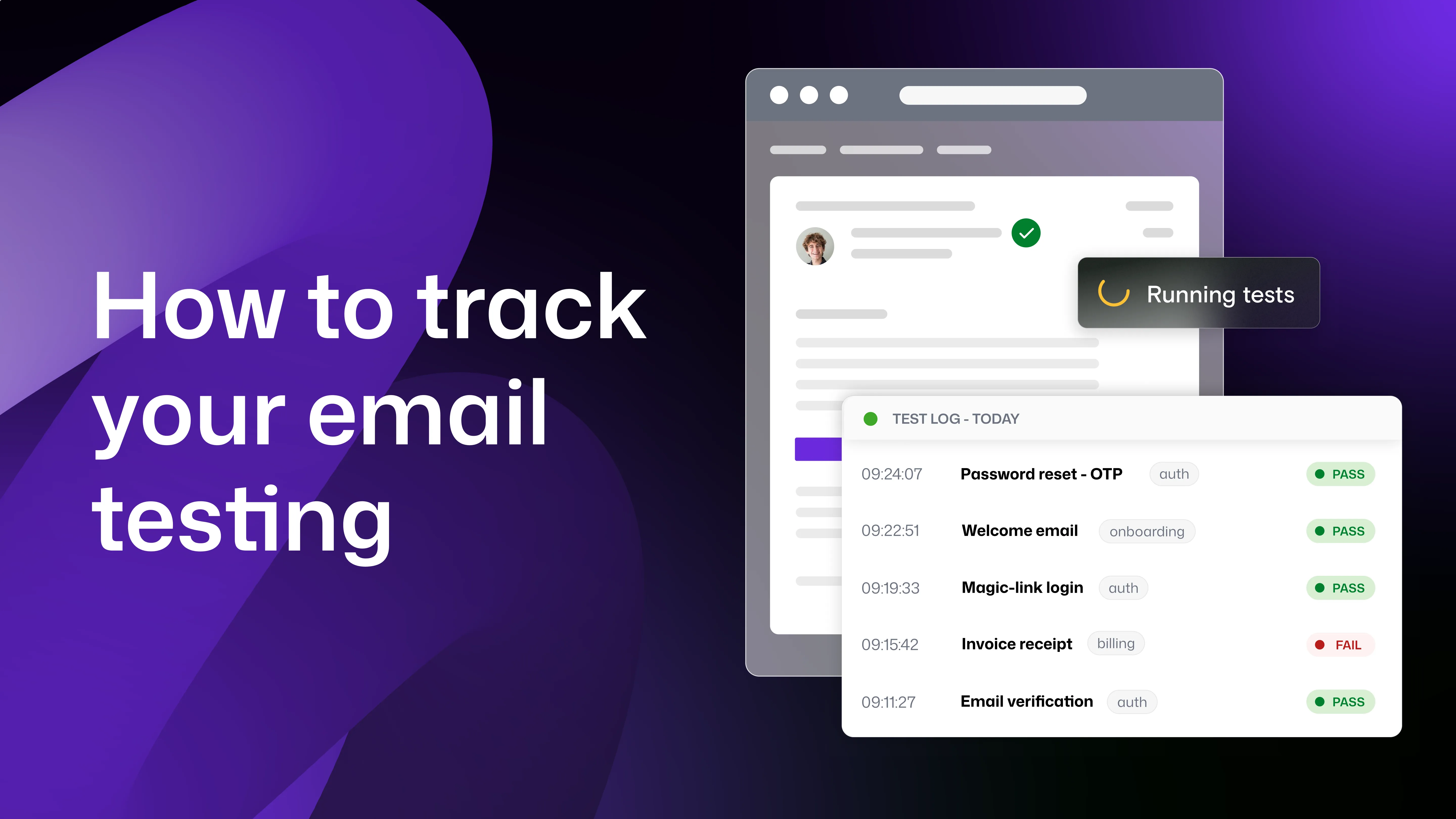
"How to track your email testing" with Mailosaur's UI shown

How to track your email testing, and why it’s so important

Why tracking your email testing is a necessary but also beneficial practice, and how it can benefit your team when done correctly

Lucy Collins
"Why you should be paying for your email testing tool" with Mailosaur's UI shown besides

Why you should be paying for your email testing service

Learn more about the scope of free email testing tools vs their paid counterparts, and scenarios they're both best suited to

Lucy Collins
Text reads "a practical guide to WCAG 2.2" with the image beside showing an email being checked for elements of accessibility such as alt text and contrast ratio

Email accessibility: a practical guide to WCAG 2.2

A simple guide to the key principles of WCAG, why they're in place, and how to test your emails for them.

James Turner
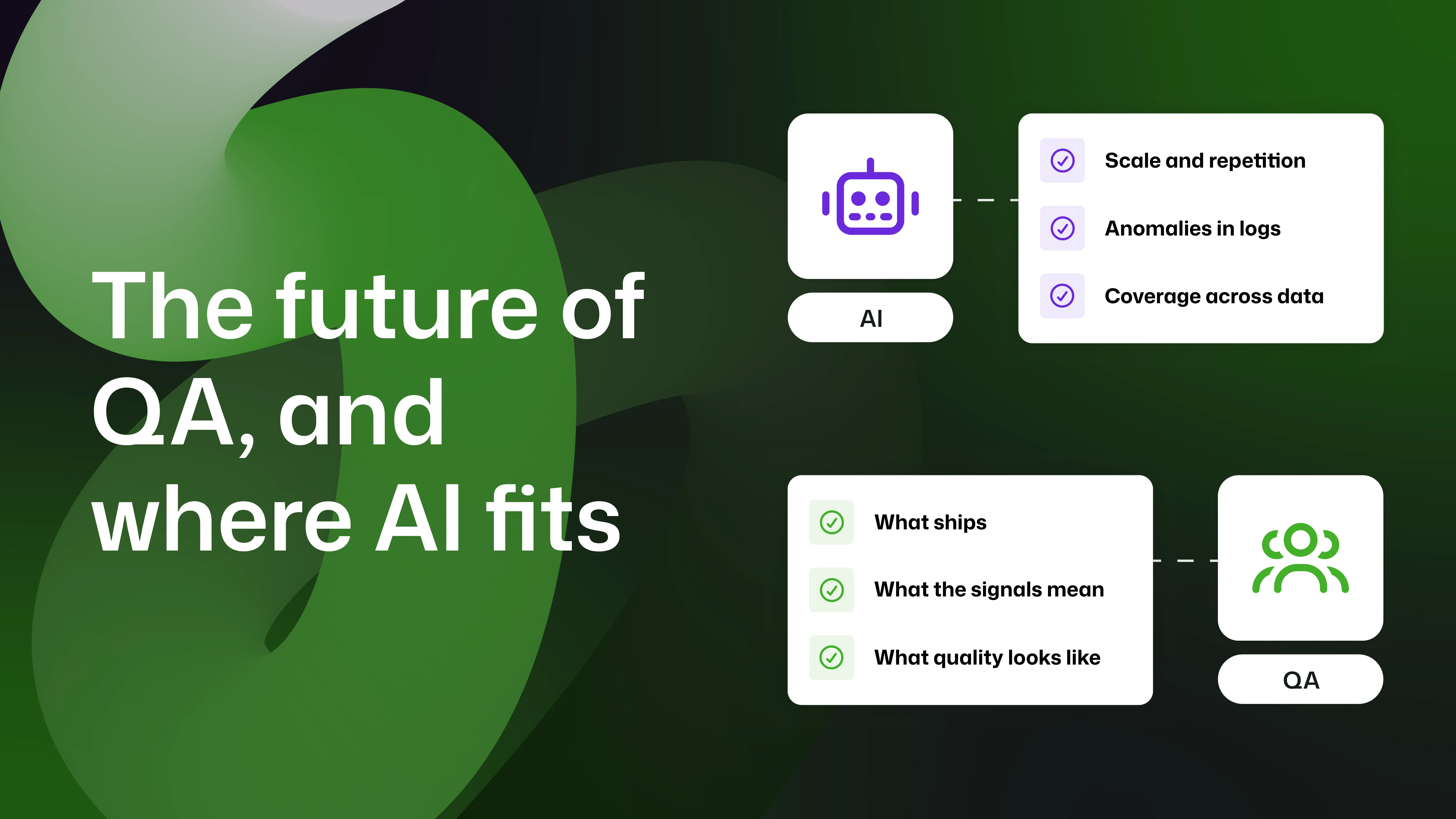
"The future of QA, and where AI fits" with a diagram showing AI may be responsible for "scale and repetition, anomalies in logs, and coverage across data", and QA may be responsible for "what ships, what the signals mean, and what quality looks like"

The future of QA, and where AI fits

With the future of QA under scrutiny, in part as a result of the rise of AI tools, let's talk about what could feasibly be coming.

Henry Edwards
"What your email HTML reveals" with Mailosaur's compatibility tests shown besides

What your email HTML reveals (before you send)

See how you email's HTML is the best clue to how it'll render for different users

Emily Harrison
Ignore

New to Mailosaur: Accessibility and compatibility checks for email

Introducing Mailosaur's newest features; testing your emails for accessibility compliance and compatibility with email clients directly from the HTML.

Lucy Collins
"Choosing the best email preview tool for you in 2026" with the logos of Mailosaur, Litmus, and Email on Acid

Choosing the best email preview tool for you in 2026

Rising prices or limited functionality forcing you to look for a new tool? Take a look at our side by side comparison so you can make an informed decision.

Sophie Watson
Abstract green background with email and mobile illustration with security icon

The biggest hidden complication in email and SMS testing

Learn how to ensure privacy, data protection, and secure workflows with compliant test environments for QA and automation.

Oliver Bennett
Text reads "The 6 checks you need to make before hitting send on an email", showing two windows - one with an email and one with a checklist.

The 6 checks you need to make before hitting send on an email

Eroded brand trust, poor customer experience, and damaged team morale are just some of the impacts of a broken email being shipped.

Lucy Collins
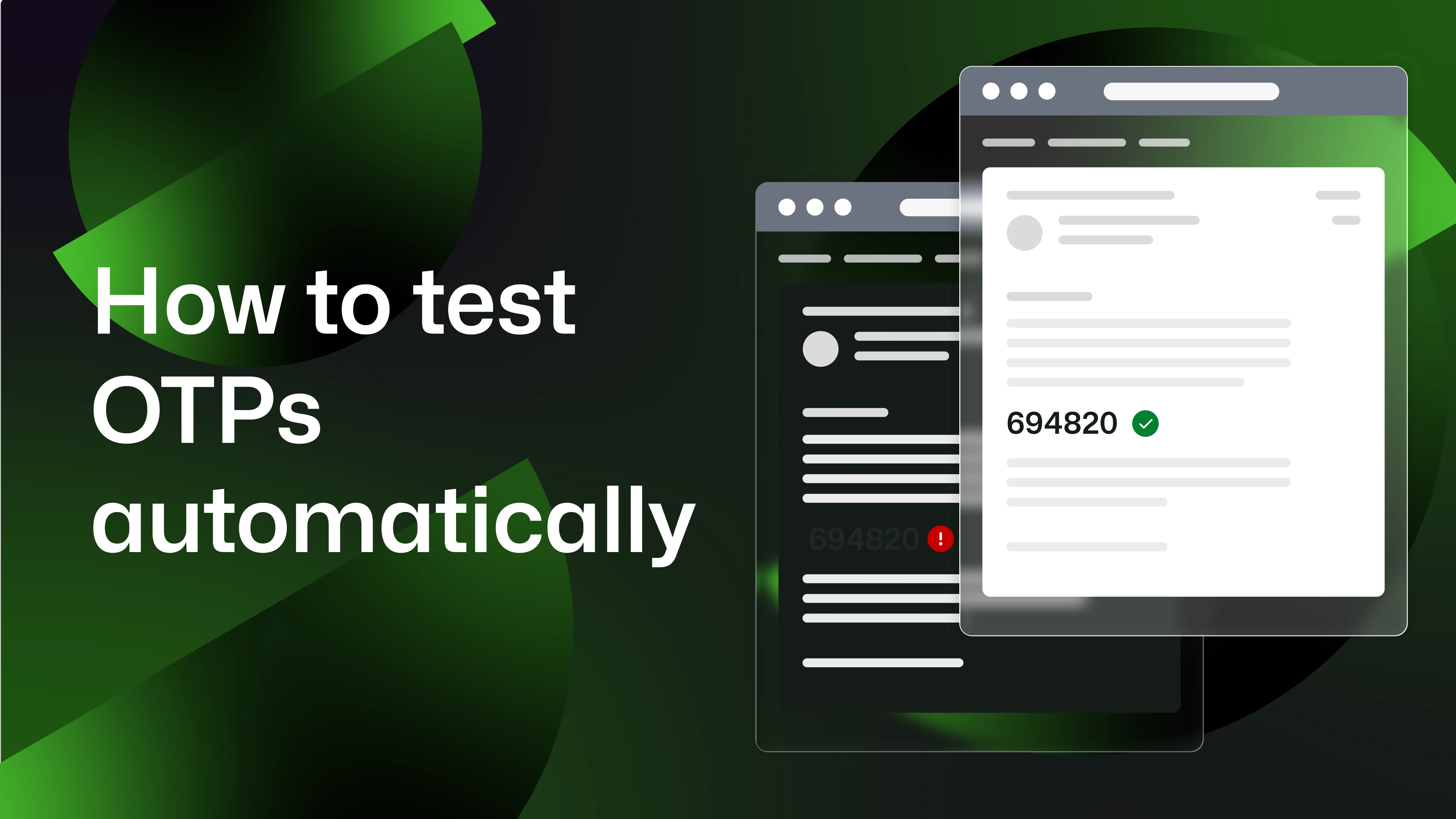
"How to test OTPs automatically", with the same email shown in light and dark modes (where the OTP is hard to read in dark mode)

How to test OTPs automatically (without breaking the user experience)

One-time passcodes are a fundamental part of authentication, but how can you test them in CI/CD?

Henry Edwards
"Most common rendering issues in 2026" with two screenshots of the same email on the  right - one in dark mode with images and personalisation broken, and one in light mode with everything rendering as expected.

The most common email rendering issues in 2026 (and how to fix them)

Designing HTML emails that render consistently across inboxes remains one of the biggest technical challenges in digital communication.

William Parker
1
2
...
9