

Make your own rules
Test more than just the happy path
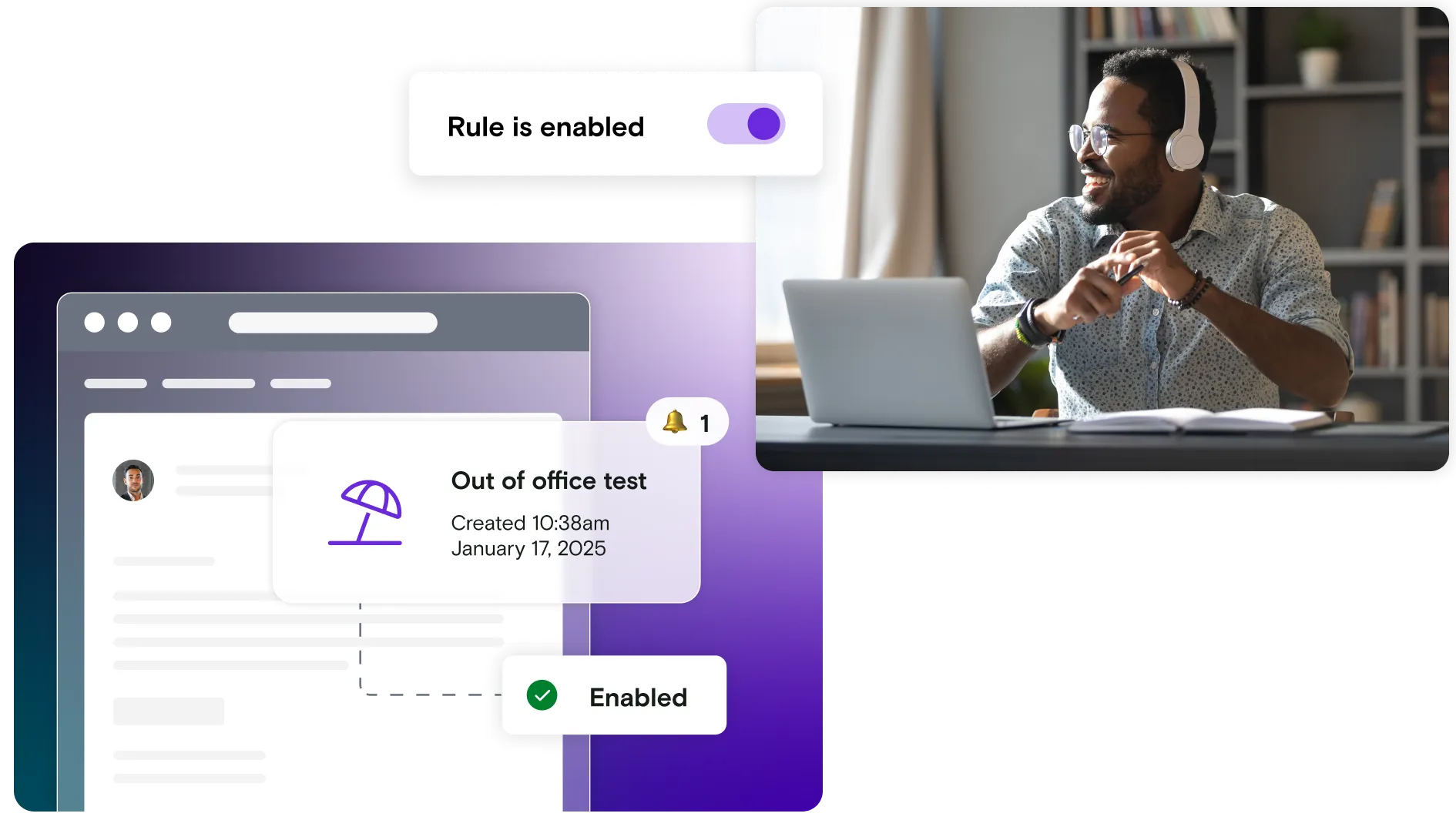
Create automated rules that simulate real-world challenges like email bounces, out-of-office replies, and server errors.
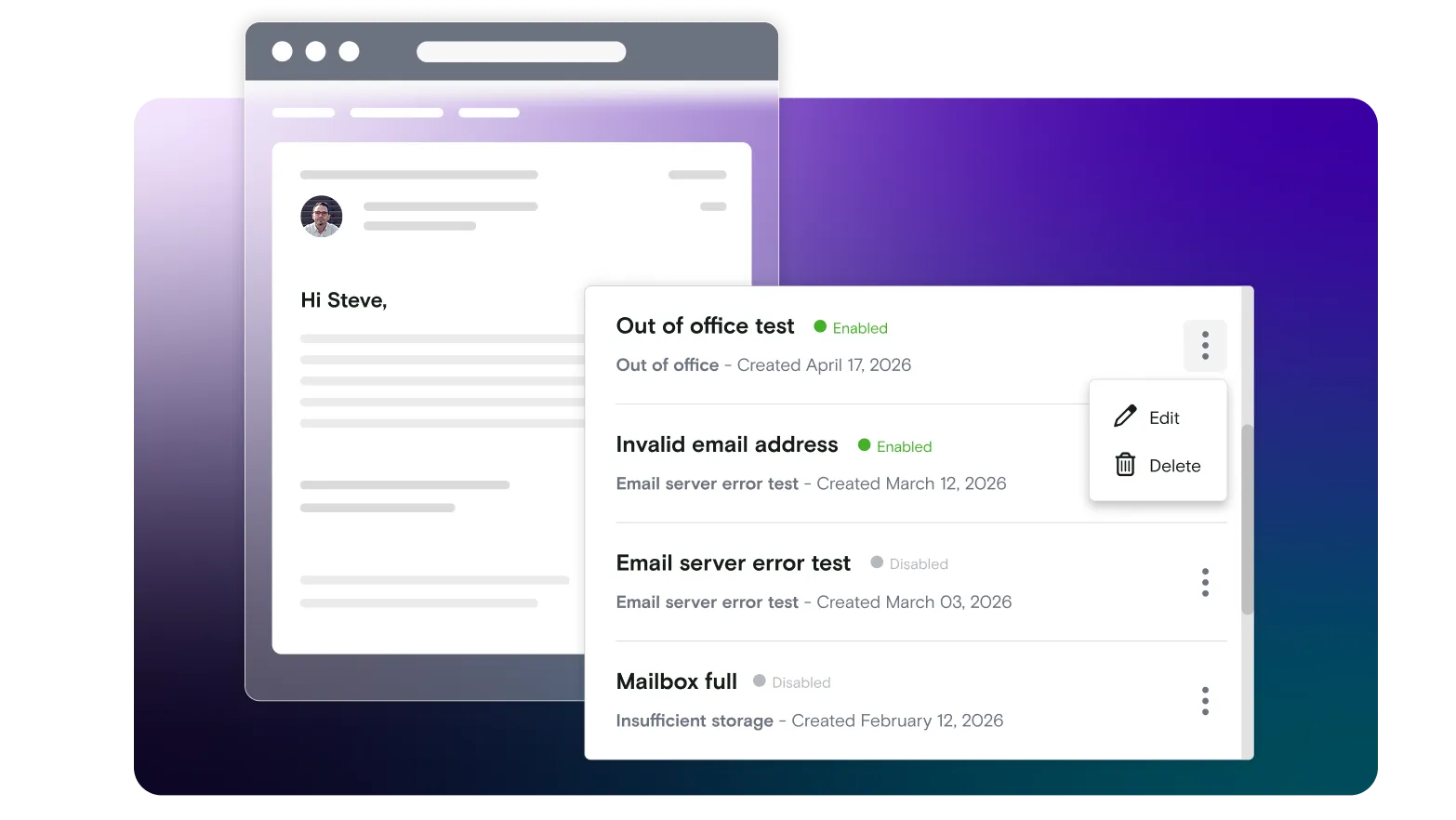
Take the edge off your edge cases
Most systems are only tested for the happy path: email sent, link clicked, flow completed.
Traditional tools stop there, without simulating what inboxes actually do: rejecting messages, sending automatic replies, or returning unexpected errors.
As a result, systems look “tested” until something unexpected happens in production, where the impact is immediate and customer‑visible. Rules exist to close that gap.
Make the unpredictable testable
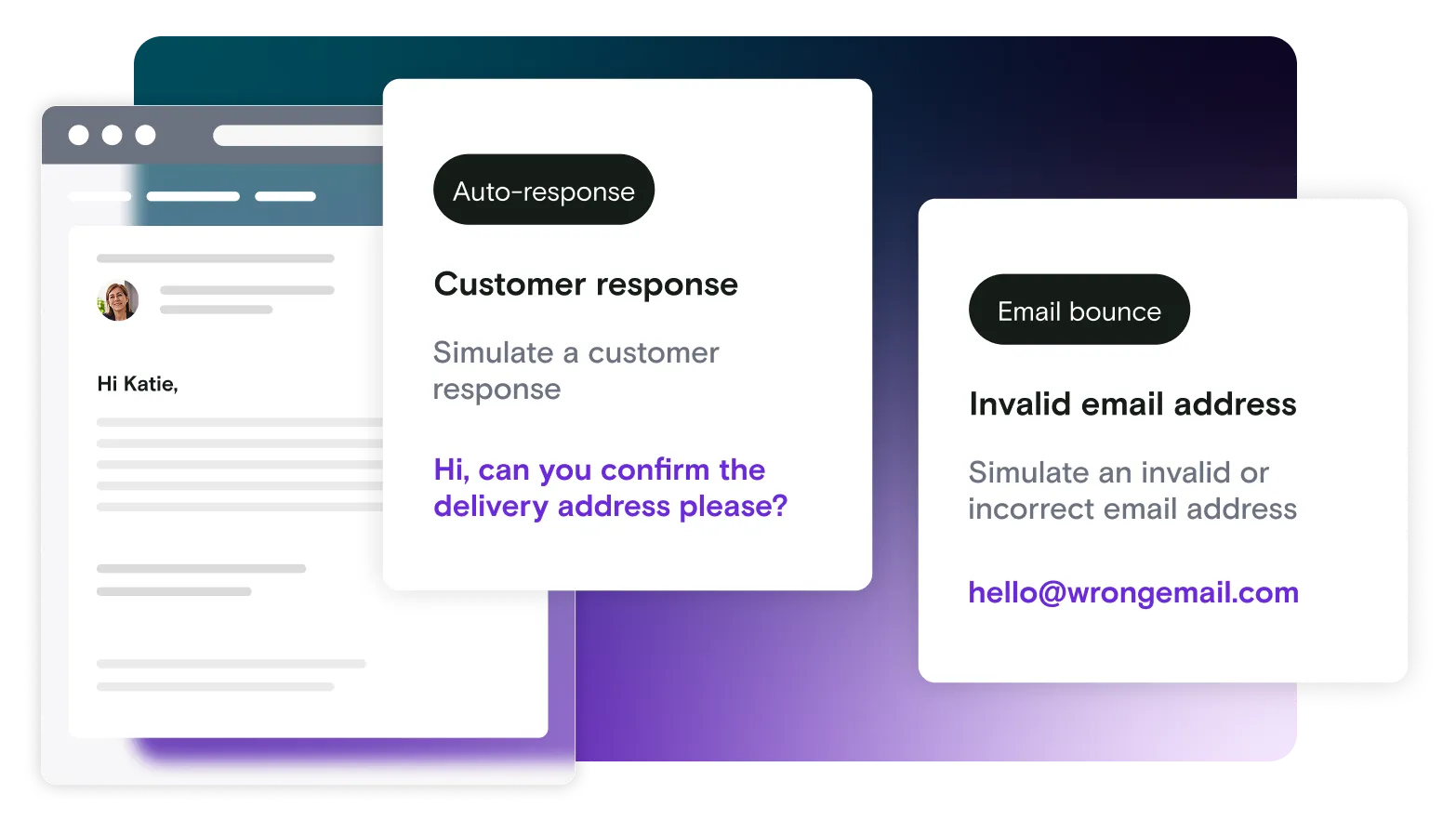
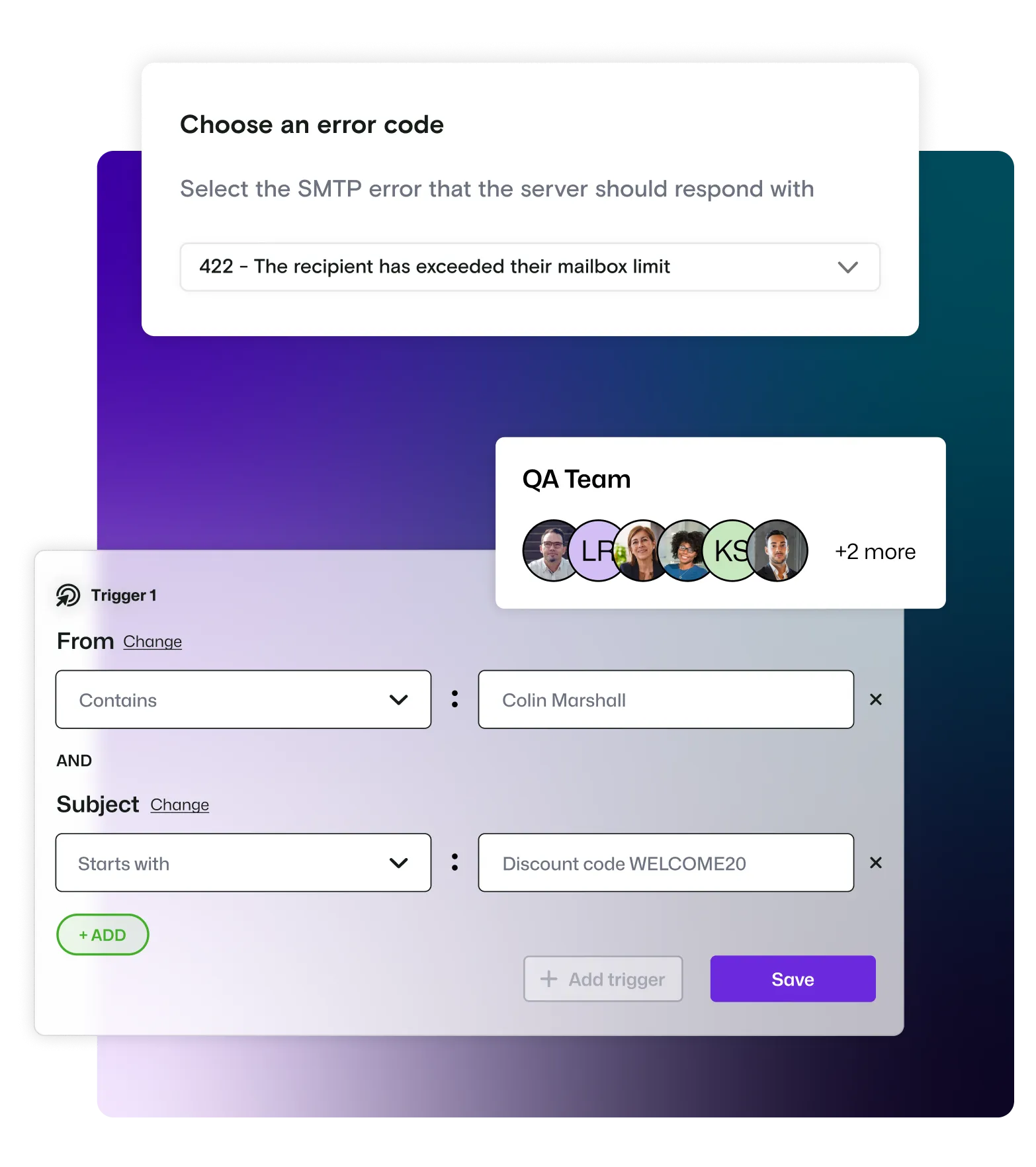
Rules let you automatically simulate real‑world email behaviour, like bounces, auto‑responses, and server errors.
Instead of hoping these cases don’t happen, you can trigger them intentionally and confirm your product responds correctly every time.
Key capabilities of 'rules'
Test what happens when emails fail, like bounces, errors, or invalid addresses
Trigger real email server responses to check your error handling
Set simple rules based on things like sender, recipient, or subject line
Simulate automatic replies such as out‑of‑office messages or auto‑responders
Repeat hard‑to‑test edge cases easily, without manual setup or workarounds
Make sure your product handles failures properly, before customers see them
Route important messages where they matter
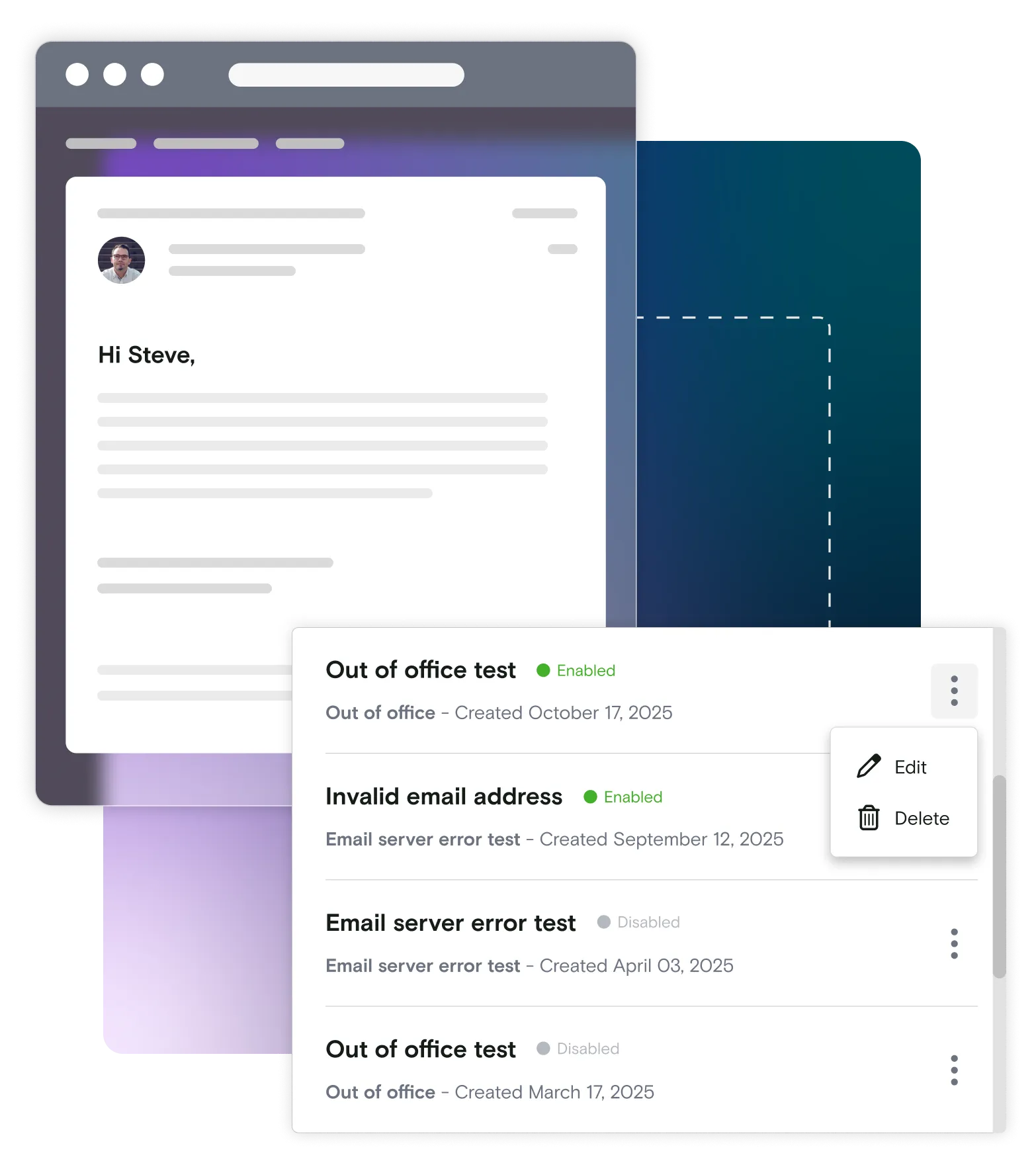
Rules don’t just control how emails behave, they can also control where those emails go.
By setting forwarding rules, you can automatically send specific emails on to other inboxes or systems based on conditions you define. For example, you might forward only bounced messages, error notifications, or unexpected replies directly to your team, while everything else stays safely captured in Mailosaur.
Invaluable for every member of the team
Teams use 'rules' to test realistic scenarios, e.g:
Your team could use rules to simulate email bounces (using simple address patterns) and verify the system responds as expected.
You can:
- Trigger a bounced email during user sign‑up
- Confirm the account is marked undeliverable
- Check users are prompted to update their email
- Ensure admins are notified where needed
This makes a hard‑to‑reproduce failure easy to test consistently.
Take control of email behavior, before users do
Most systems fail in edge cases- not because teams missed something, but because those scenarios were never tested.
Opting to test edge cases and real customer behavior flows gives you the confidence you deserve at launch, from "it worked in testing" to "it'll work no matter what".
Ready to get started?
Book a live demo with our sales team, or dive in independently
Start automating your email and SMS in minutes with your free trial.