

See how your emails look before you hit send
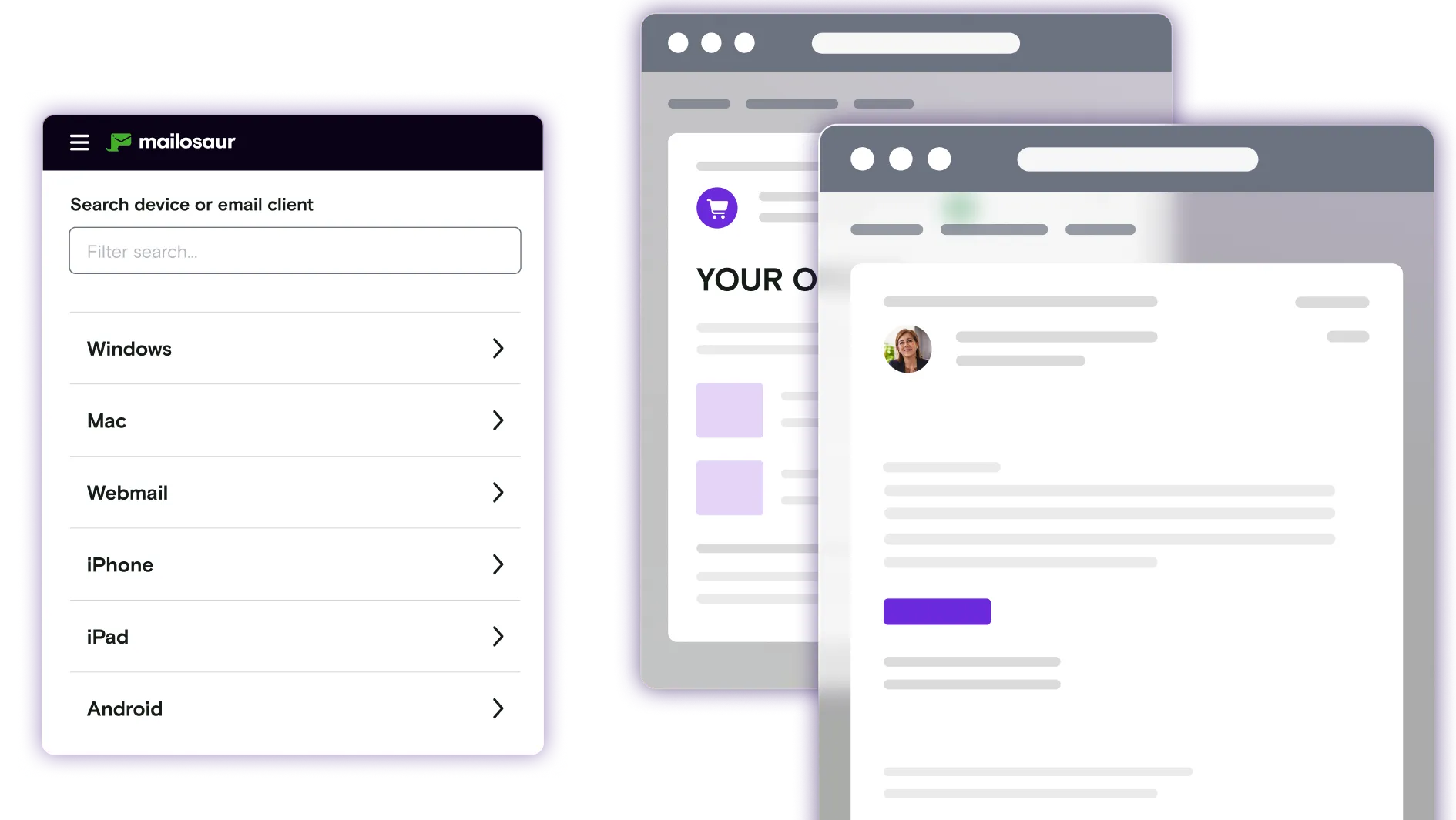
Check how your emails render in every major client and device, from Gmail on Android to Apple Mail on macOS, before they reach customers.
Start your free trial
Join thousands of companies using Mailosaur


Take the guesswork out of your emails
Preview every email in every inbox
Catch display differences early and make sure every message looks right before reaching customers- protecting your brand from small mistakes that can quickly become public.
Validate dynamic content
Whether the message was built by marketing, product, or design, preview emails exactly as your users receive them, including personalisation and conditional content.
Catch rendering issues
Identify broken images, layout inconsistencies, dark‑mode issues, and formatting problems instantly- without digging through code.
Review, share, and sign off
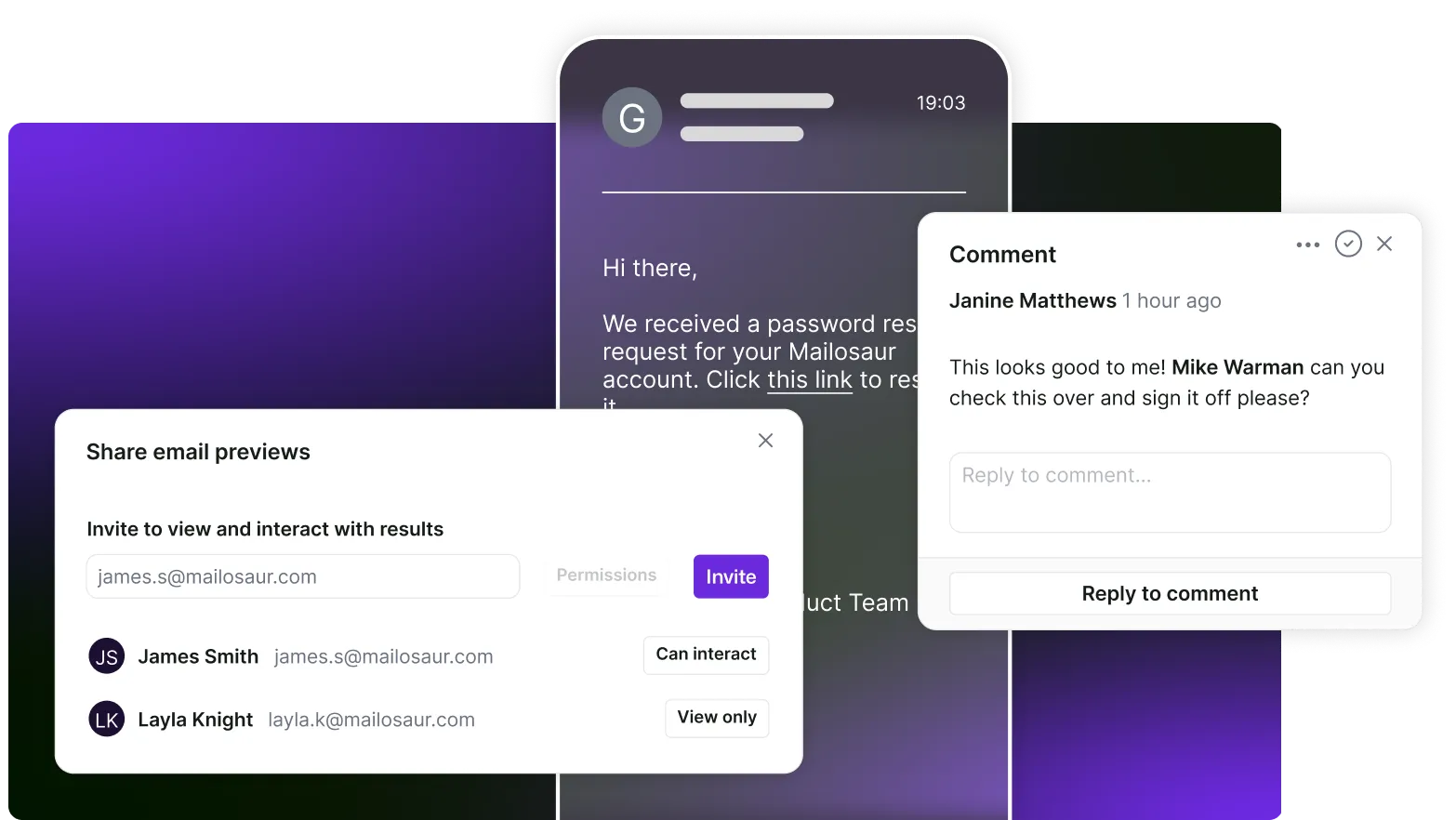
Share previews securely with teammates and stakeholders without forwarding test emails or exposing real inboxes.
Collect feedback asynchronously, keep discussions tied to specific previews, and move faster from review to approval, even when not everyone is online at the same time.
Coverage for different devices, email clients and settings
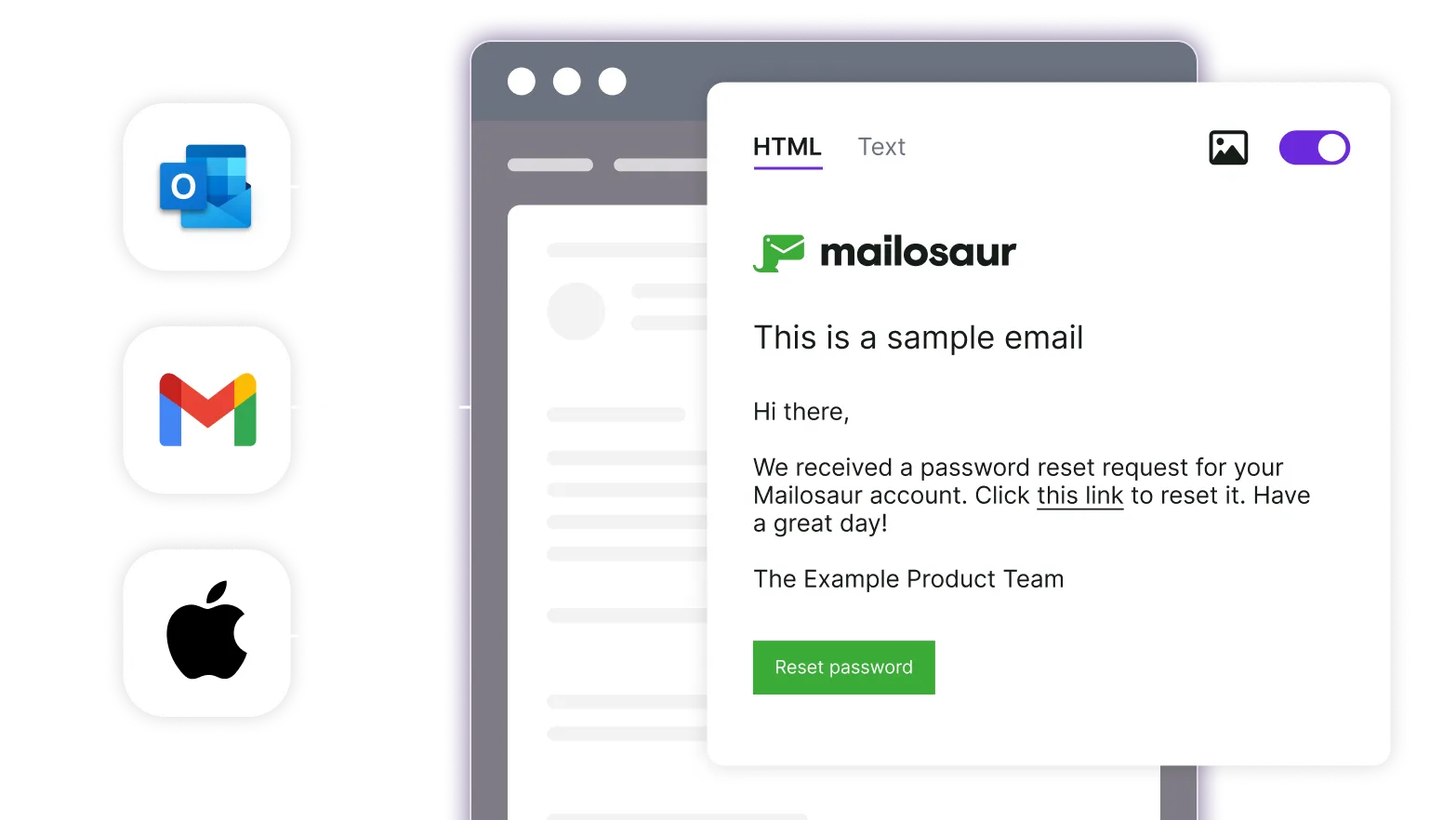
Did you know your emails will render differently across different devices and email clients?
Mailosaur’s real‑device previews show you how emails actually render in the inboxes your customers use, not just how they look in a sending tool or editor.
Fix issues you'd never spot otherwise
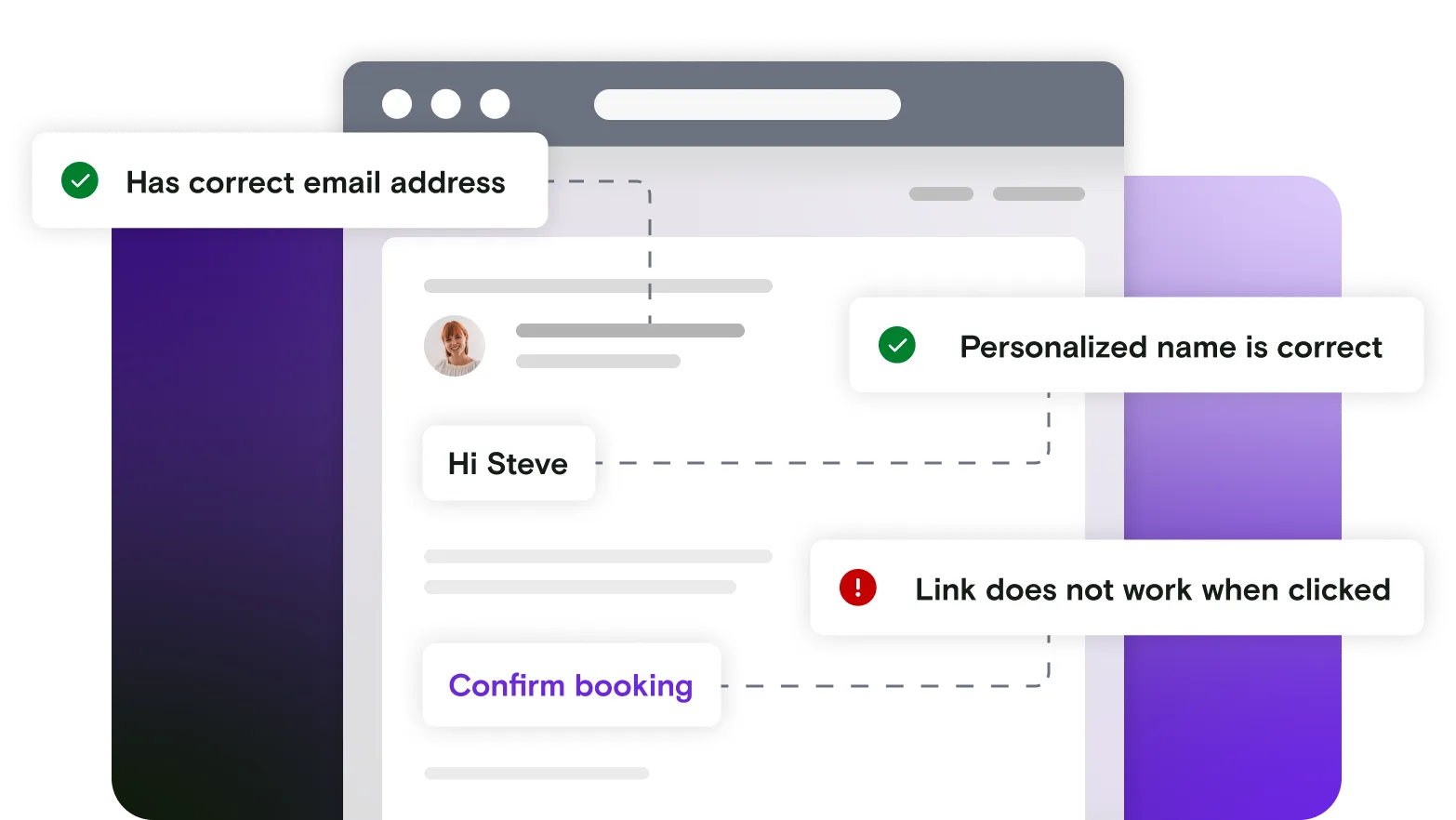
With the preview feature, it is easier than ever to see exactly which parts of an email are causing problems.
Whether it’s a broken image, formatting errors, issues with dynamic fields - Mailosaur makes troubleshooting quick and easy.
Why Mailosaur?
There are so many reasons that Mailosaur is the best email preview tool for your workflow.
Fully native device previews
Mailosaur previews are fully native, providing the most accurate simulation of how content or applications will appear and function on actual physical hardware
Team collaboration
With options to share previews with your team and set hierarchal permissions for specific projects, you can keep everyone on the same page.
Broad client & device coverage
With coverage across countless email clients and devices, you can be confident that Mailosaur covers everything you need to see.
Built for review, ready to automate
Built with QA and automation in mind, you can manually generate previews anyone on your team can use, or automate as part of your workflows.
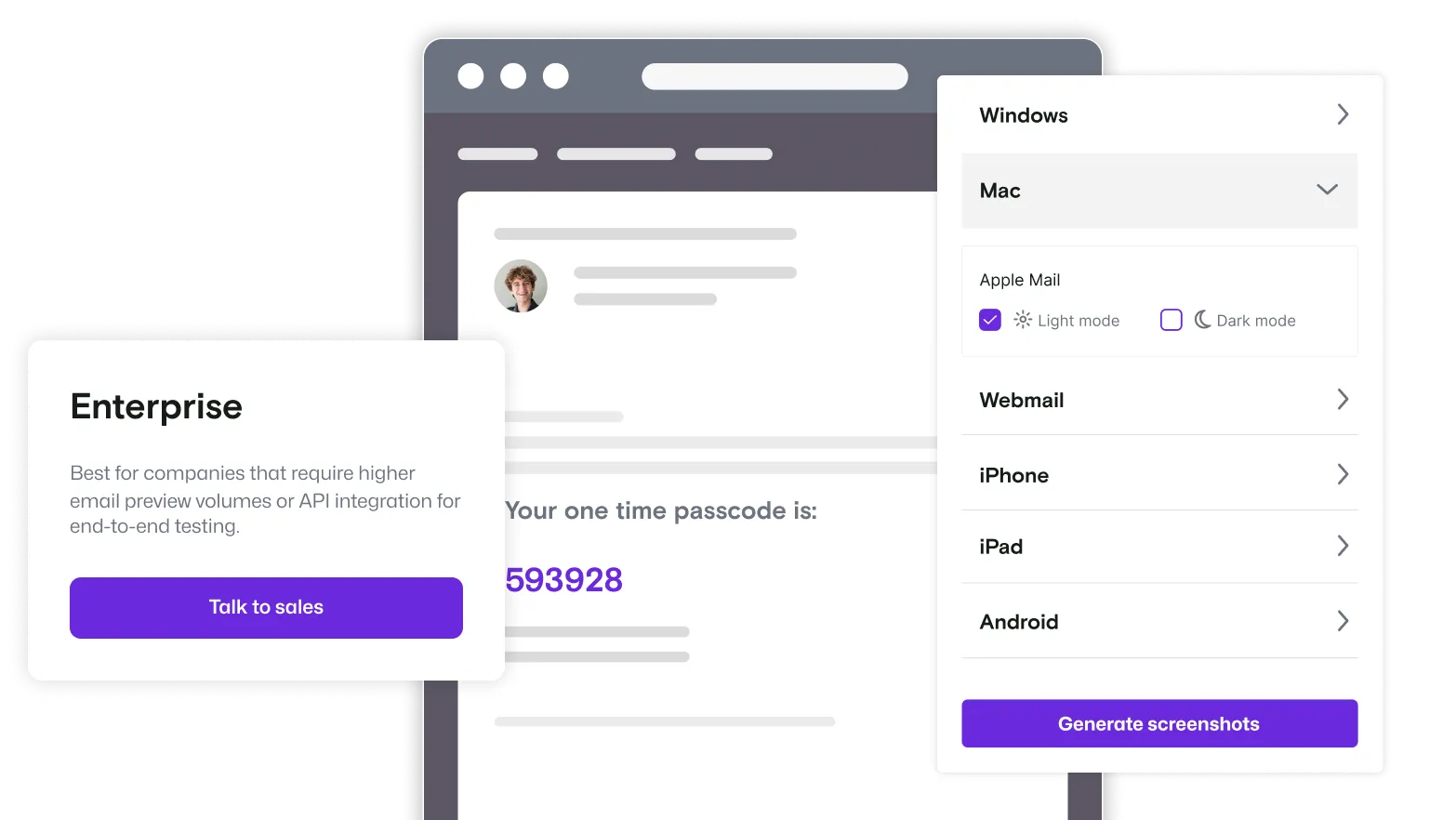
Save yourself time and automate it
With one of our Enterprise plans, you can take your testing to the next level automating preview generation as part of your regular workflows.
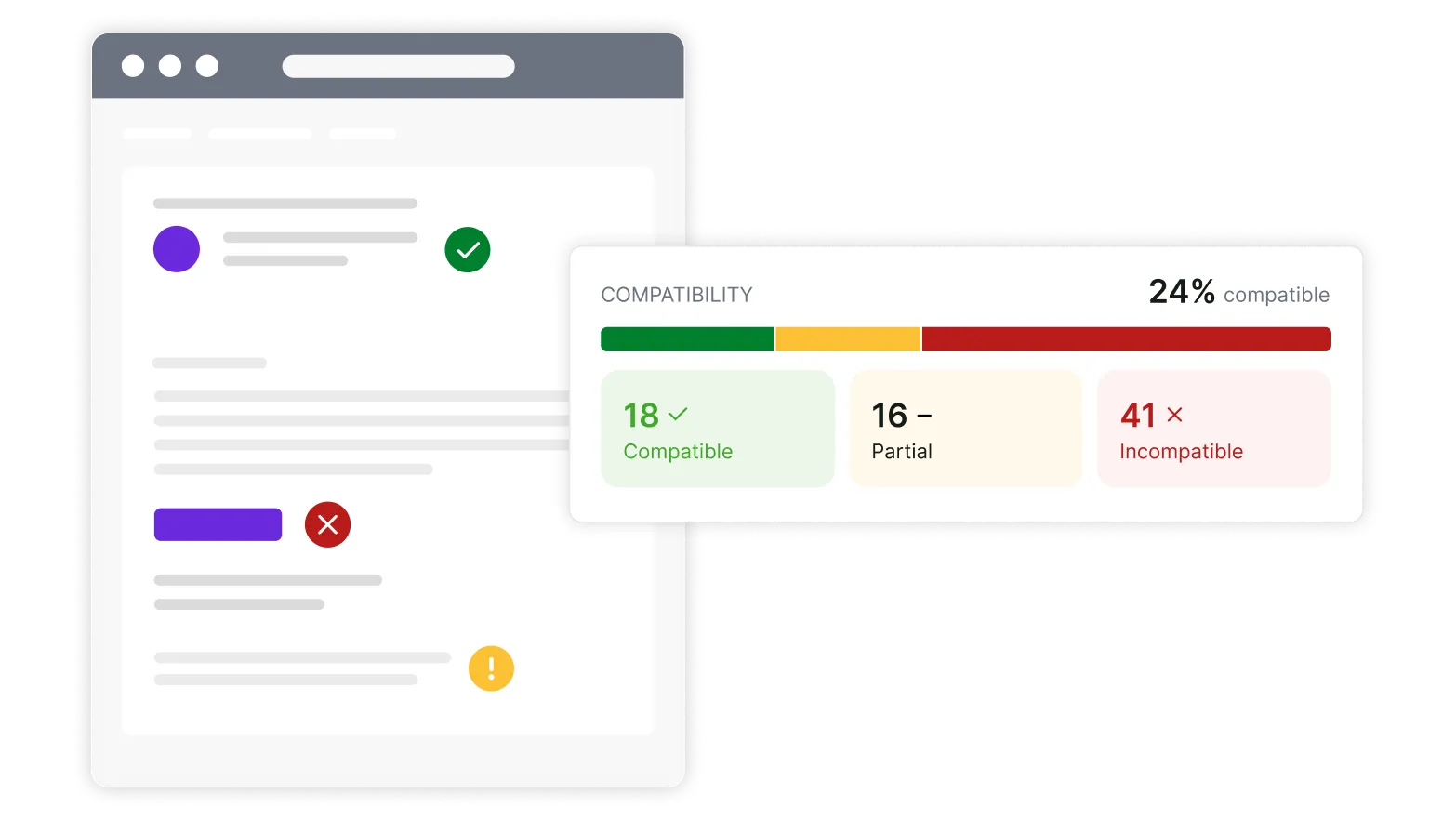
Go beyond previews with HTML checks
Email previews are essential for validating how your email renders across clients. However, they show the result, not the cause.
Use Mailosaur’s compatibility checks to understand how your HTML is supported across email clients, and accessibility checks to validate your email against WCAG 2.2 guidelines. Together, they help you identify issues in your markup and fix them before send.
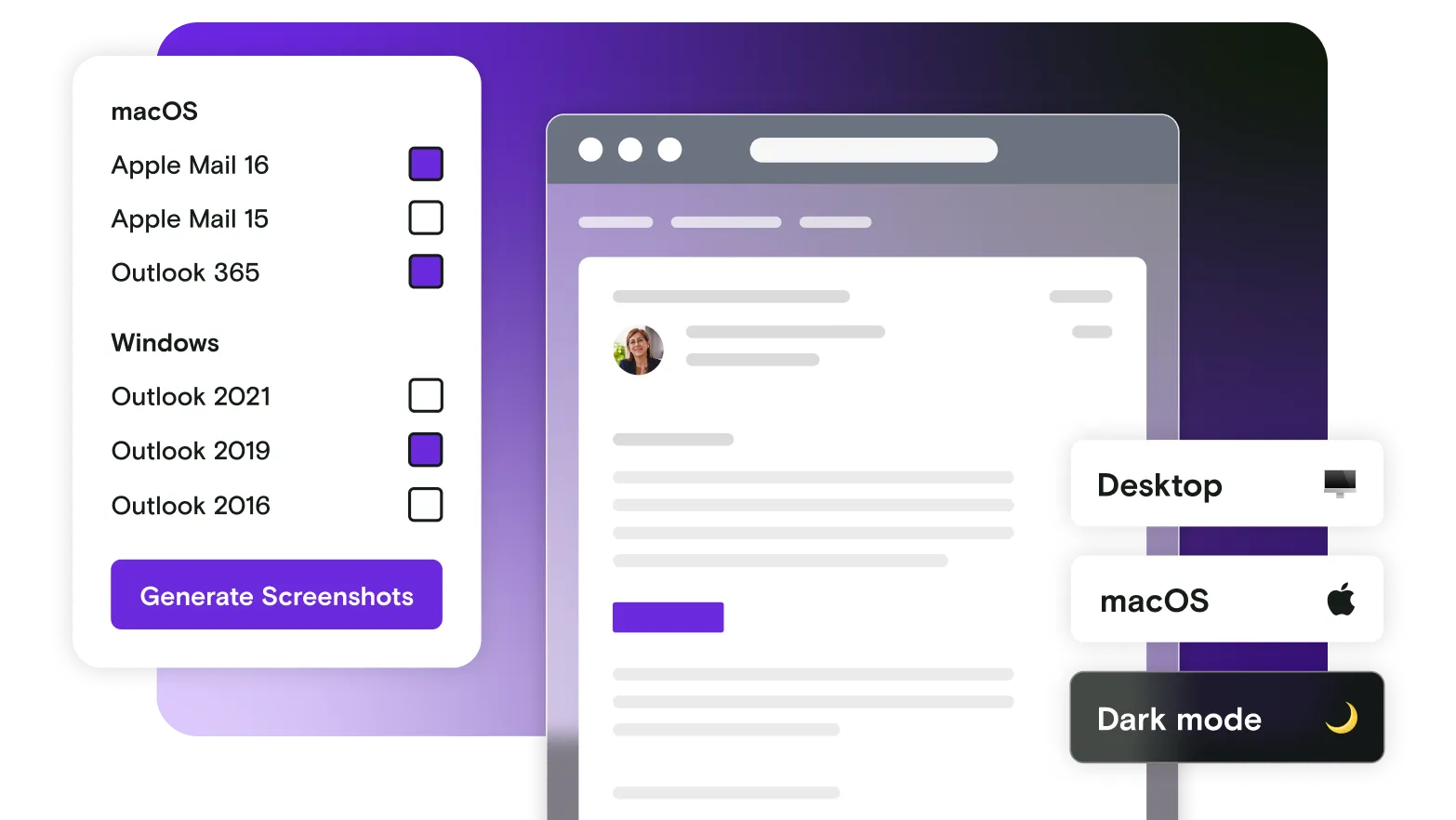
Cover every message-driven journey
Previews show how email look, but complete confidence comes from knowing they work. Test the behaviour of email and SMS across critical workflows like sign‑up, authentication, notifications, and recovery flows.
Together, previews and testing ensure every message looks right and functions correctly before customers interact with it.
Frequently asked questions
Test anything your users might do
Automate end-to-end scenarios, validate emails, and integrate with our API for seamless workflows.
Book a demo with one of our team or start your free trial today.