

Sending, replying & forwarding emails
Seamless email and SMS interactions, every time
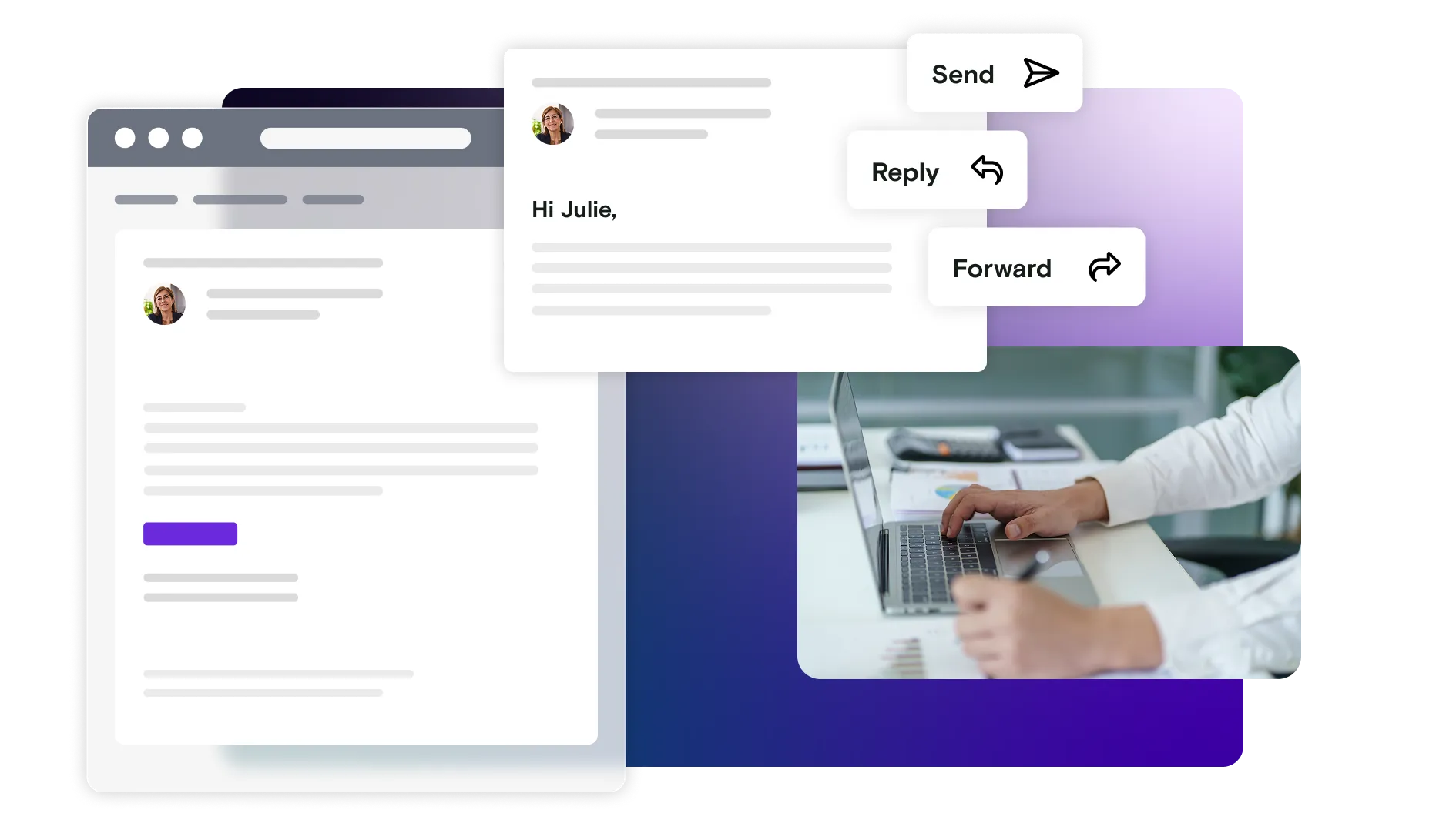
Emails don’t exist in isolation - they’re read, replied to and forwarded, and those interactions are often where journeys break.
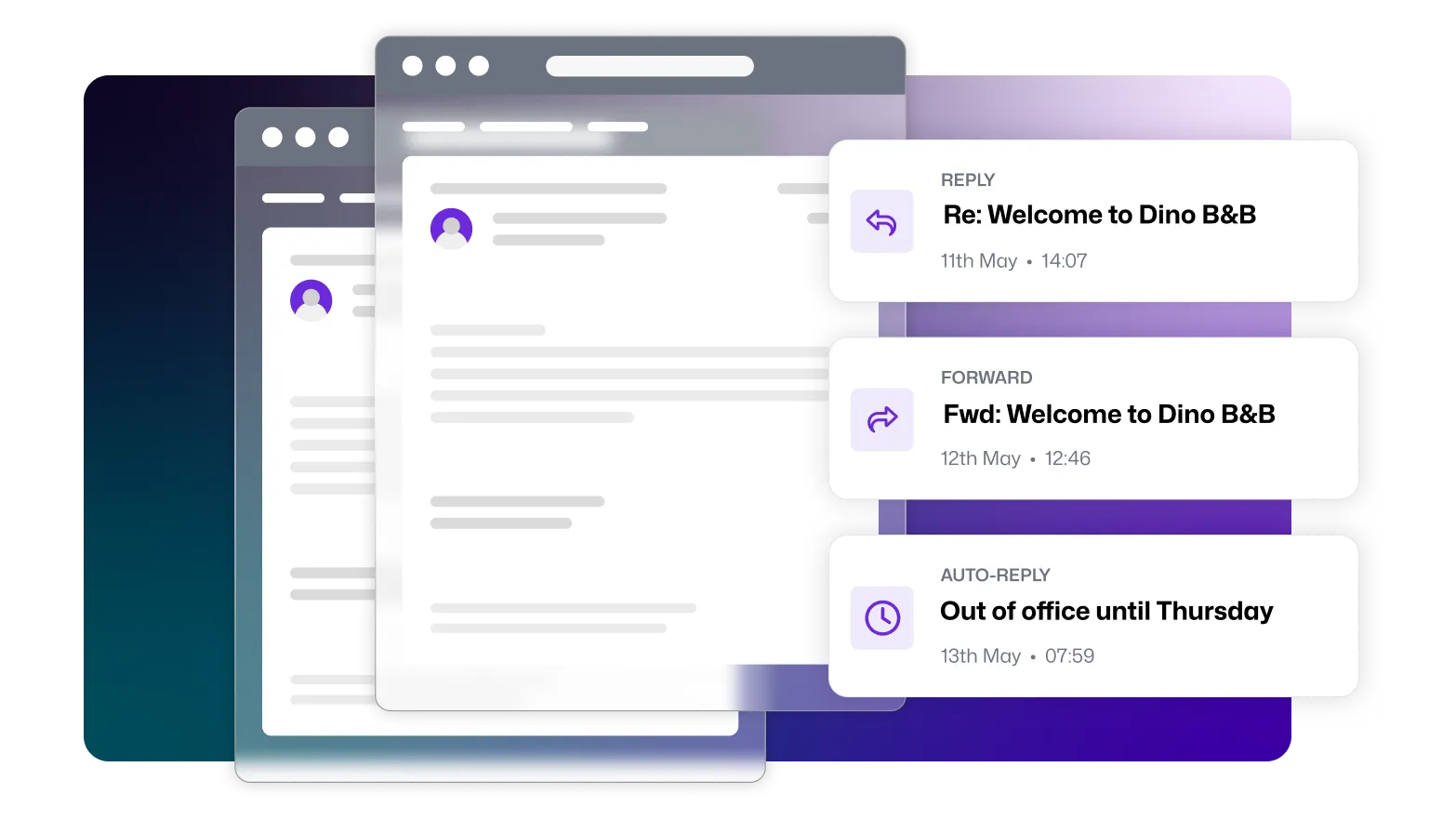
Test how users actually interact with your messages
Instead of stopping at “did the message send?”, you can test how your product behaves when users reply directly, forward messages, or trigger follow‑on behaviour.
This feature validates interaction‑driven workflows- the parts of messaging that are hardest to test and easiest to overlook.
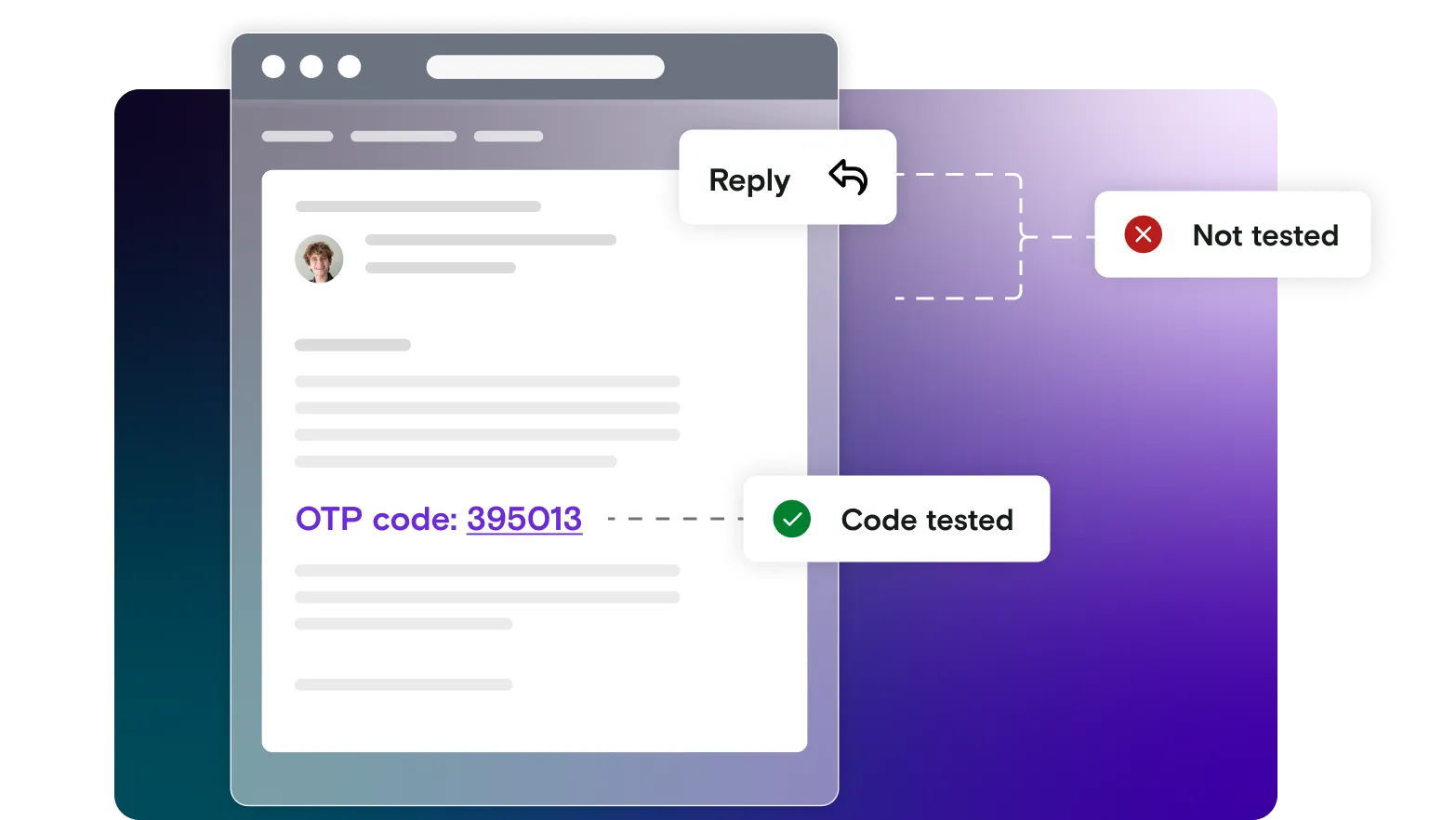
Expect the unexpected
Most customer‑visible failures don’t happen because an email wasn’t sent, they happen because testing didn't cover what a real user might do next.
Users reply instead of clicking links. Emails are forwarded into shared inboxes. Replies trigger logic that was never tested. When these paths aren’t validated, problems only surface in production, where the impact is immediate and public.
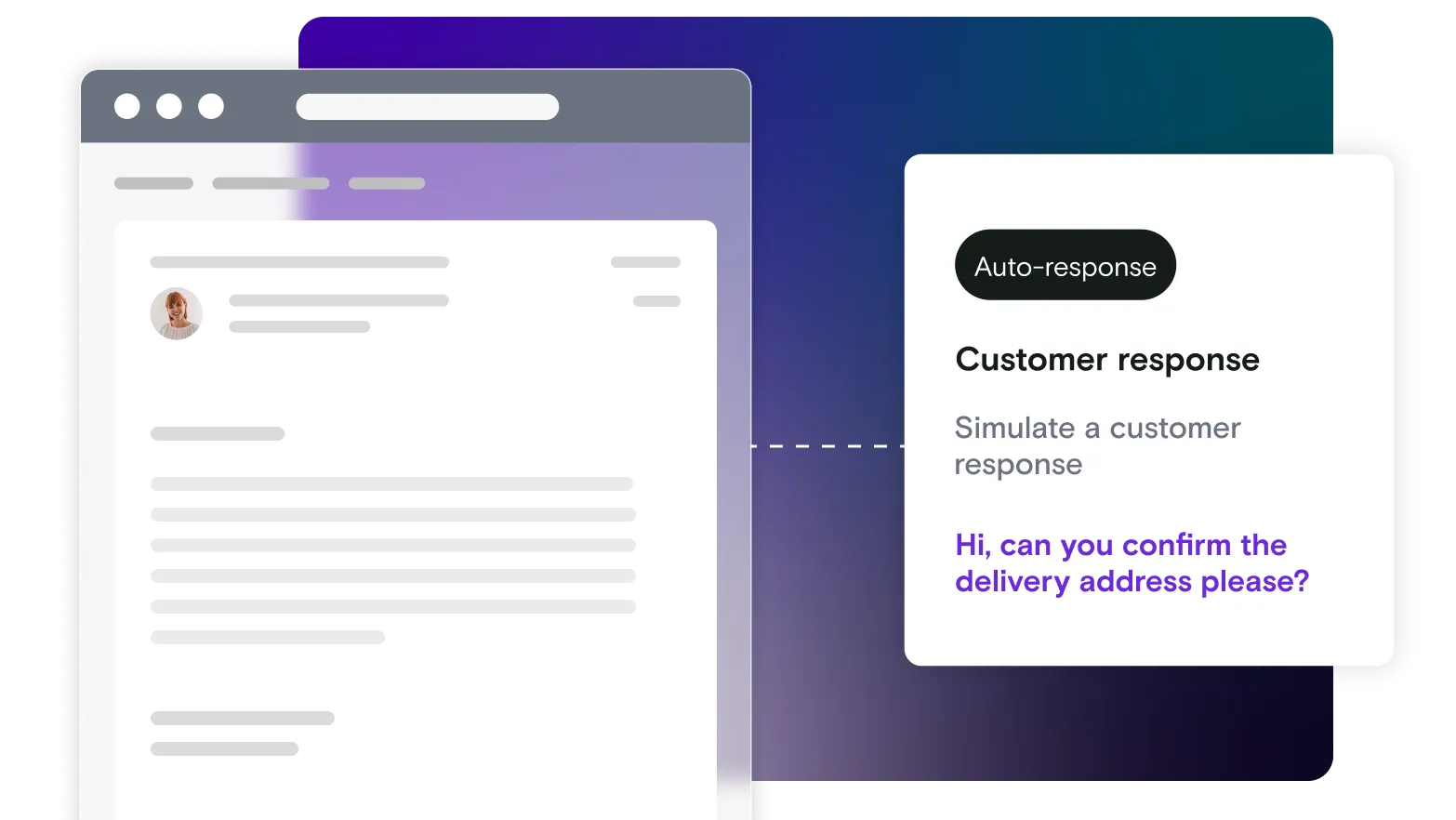
Simulate customer replies with confidence
Mailosaur allows you to reply to emails and messages exactly as a real user would, then observe how your system responds.
This makes it possible to validate reply‑based workflows end to end; whether that’s support routing, comment‑by‑email features, or automated responses triggered by inbound replies. You can confirm replies are received, processed, and handled correctly, rather than just assuming they’ll work.
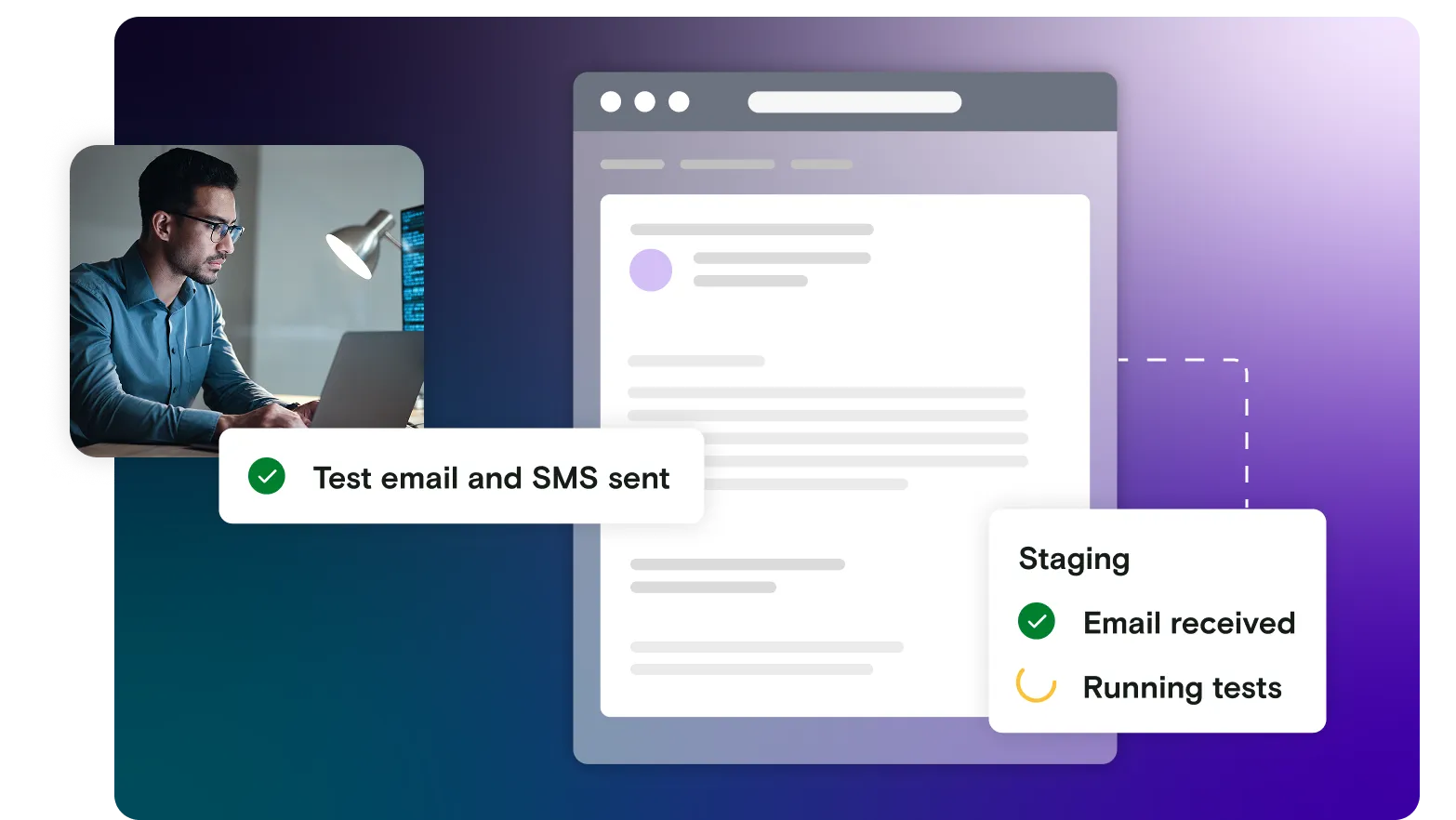
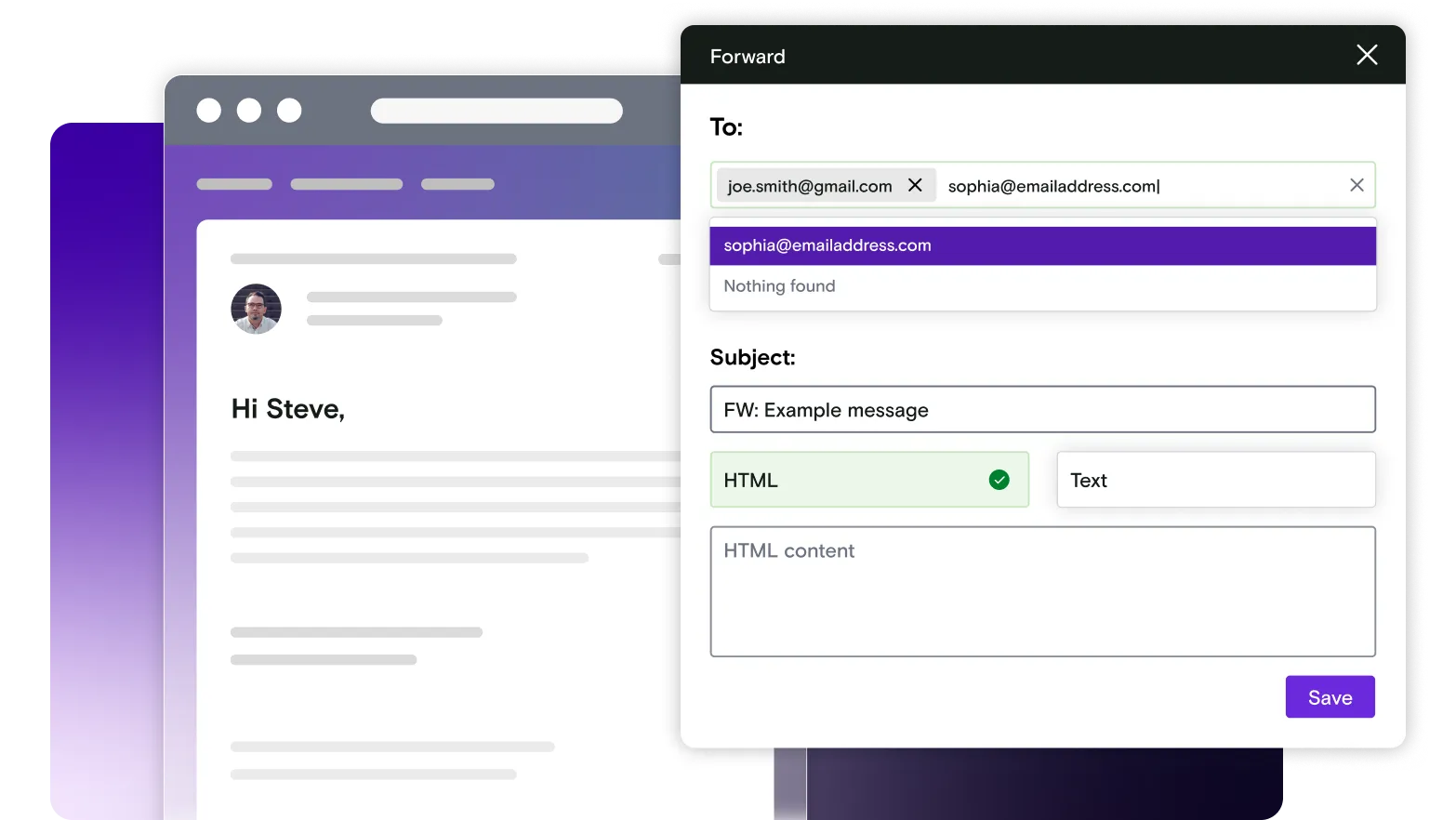
Manual forwarding for review and collaboration
Mailosaur makes it easy to manually forward emails outside the platform, which is particularly useful when messages need human review or approval.
Teams can share emails with colleagues, stakeholders, or clients without exposing real inboxes or production systems. This is often how Marketing and Product teams validate content, flows, and tone before launch, without needing access to test environments or technical tooling.
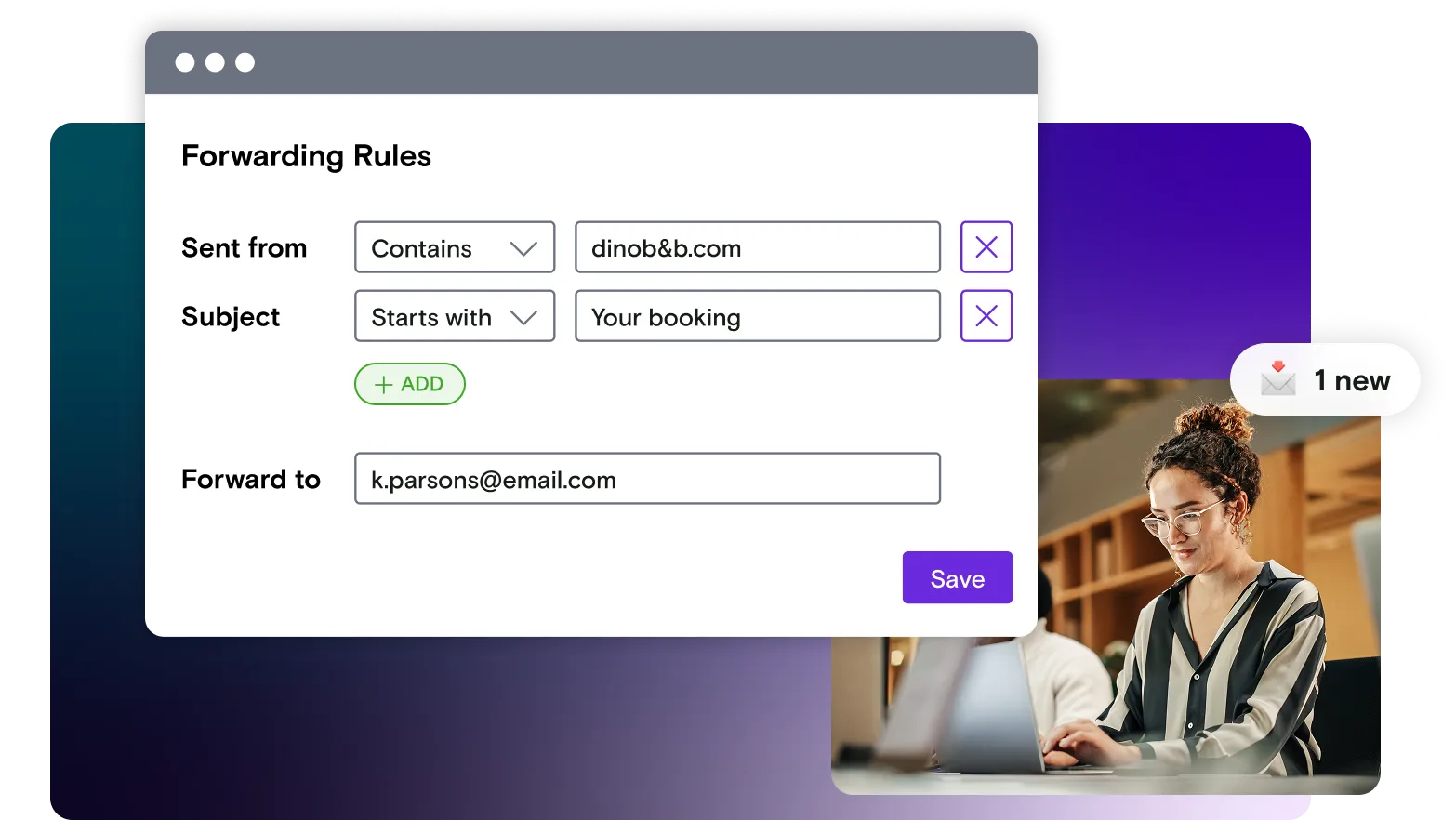
Forward automatically, when it matters
When forwarding behaviour needs to be consistent, this feature can be combined with 'rules'.
Specific interactions such as replies, bounces, or unexpected messages can be automatically forwarded to the right people or systems, while everything else remains safely captured in Mailosaur.
This prevents teams from having to manually search through test traffic, while ensuring important signals don’t get missed.
The outcome: an undeniably better user experience
By testing replies and forwards, not just delivery, teams can catch mistakes early, reduce edge‑case risk, and be confident that real user behaviour won’t undermine the experience.
Give it a go!
It's free, quick and easy to try out Mailosaur
Start automating your email and SMS in minutes with your free trial.