

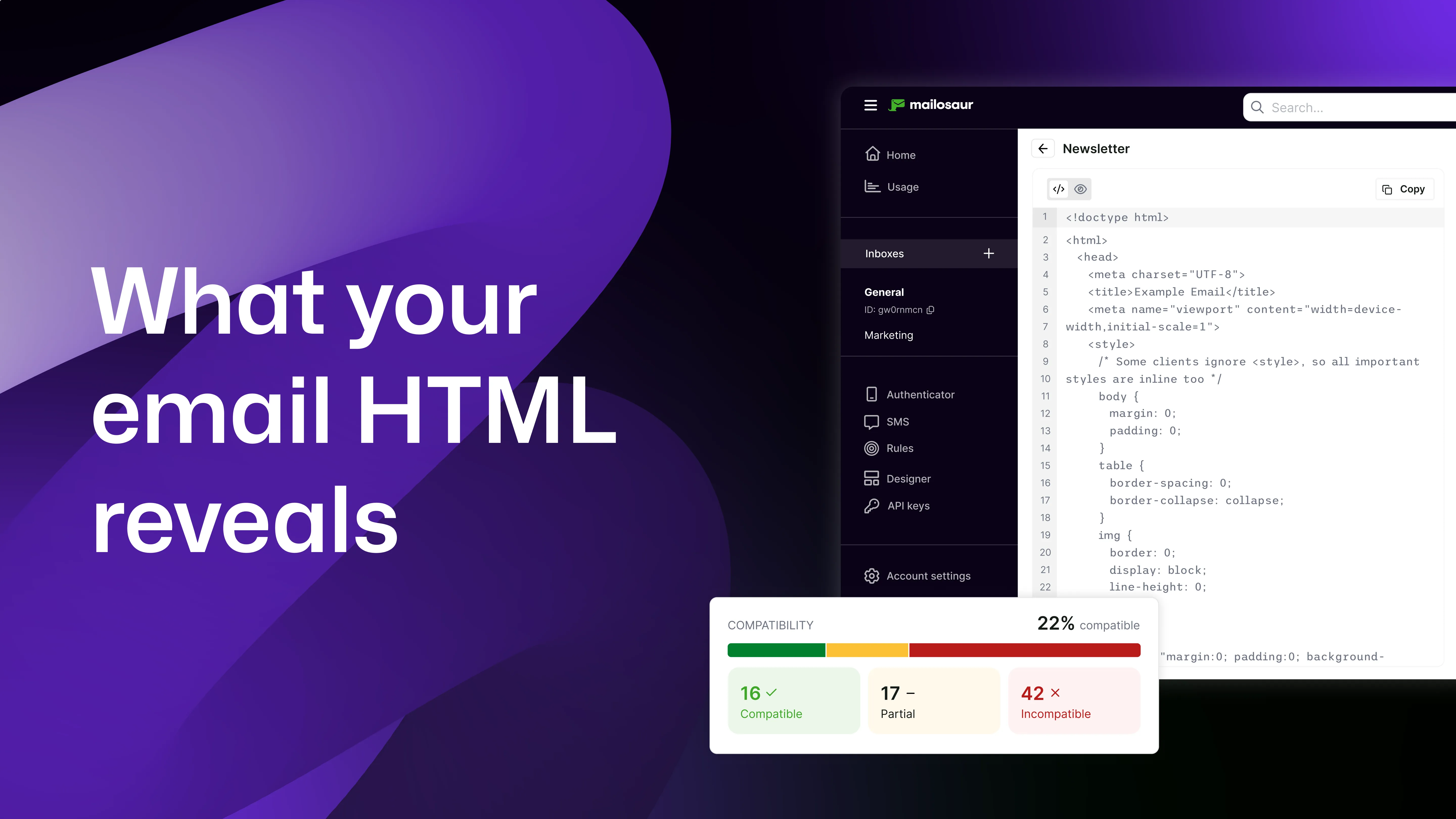
Designing and sending emails often focuses on content, timing, and behaviour. Teams validate when messages are triggered, how users interact with them, and whether key flows work as expected.
Even when those elements are working, emails can still fail in ways that are not obvious. Layouts may break in certain clients, content may be hard to use with assistive technology, or interactions may behave differently across devices.
In most cases, these issues come from the HTML.
Therefore, understanding what your HTML reveals, and how to test it, helps you catch problems before they affect users, saving you from brand reputation damage, an influx of support tickets and, at its worst, costly discrimination lawsuits.
Why HTML is the source of truth for email quality
Everything about your email is defined by its HTML. Email clients such as Gmail, Outlook, and Apple Mail rely on it to render content, and assistive technologies use the same structure to interpret and present that content to users. This means that even small changes in markup can affect how an email looks and behaves, including layout, reading order, and how links and buttons work.
With this being said, email clients do not interpret HTML in the same way. A layout that works in one client may break in another. Because of this, visual checks alone do not give you full coverage, hence the need to test HTML directly.
What your email HTML can reveal
Looking at your email HTML gives you a clearer view of issues that are easy to miss during standard testing:
1: Accessibility issues
Accessibility problems are often defined in the markup.
Missing alternative text, unclear link labels, and poor structure all come from how the HTML is written. These issues can make emails difficult or impossible to use with assistive technologies.
For example:
- Images without alt text provide no context when images do not load, are blocked by an organisation, or when read by a screen reader
- Incorrect heading structure can create a confusing or unclear reading order
- Vague link text makes navigation harder, as it can be unclear where users are being redirected and why
2: Compatibility issues
Different email clients support different parts of HTML and CSS, meaning an element that works in one client may be ignored or partially supported in another. This can lead to layout problems and inconsistent styling.
For example:
- Some CSS properties are not supported in Outlook desktop
- Layout techniques such as flexbox (where content re-distributes, depending how much space there is in a window) may not behave the same across clients
- Certain attributes may be removed or ignored
3: Rendering issues
Some problems only appear in specific environments, which is often related to how HTML is structured and how fallback behaviour is handled too. Complex layouts and unsupported styles can cause elements to overlap or appear out of order.
These issues are more likely when:
- Layouts rely on deeply nested tables
- Styles are not fully supported
- Fallback content is missing
4: Interaction reliability
Links and buttons depend on correct HTML structure meaning if the markup is incorrect, interactions can fail or behave differently across clients.
For example:
- Links may not work in all clients if they are not formatted correctly
- Tracking parameters can break if the URL is malformed
- Buttons may not render consistently across platforms
5: Structural and semantic issues
The structure of your HTML affects how content is understood.
Using proper HTML elements helps define a clear reading order and supports assistive technologies.
Common issues include:
- Incorrect heading hierarchy (no <h1> tags, for example, or inappropriate use of header tags)
- Using visual formatting instead of semantic elements (not least because screen readers rely on semantic content to interpret content, and AI summaries of emails do too)
- Content that reads in the wrong order
Why these issues are difficult to detect manually
Many HTML issues are not visible in a single preview; an email may look correct in one inbox, but behave differently in others such as Outlook or mobile apps. Accessibility issues are also difficult to spot without using assistive technology.
Manual testing often relies on visual checks, which do not surface underlying structural or compatibility problems, so without looking at the HTML it is hard to identify the root cause.
How to test email HTML effectively
Testing email HTML requires more than checking how it looks.
A reliable approach includes:
- Reviewing the structure and semantics of your HTML
- Checking accessibility against WCAG 2.2 guidelines
- Testing compatibility across multiple email clients
- Validating links and interactions
- Re-testing after changes
Adding these steps to your workflow helps you catch issues earlier and reduces the chance of problems reaching users.
Naturally, manually testing your HTML for these issues, however, is laborious. This is why some teams choose to use tools like Mailosaur, where their HTML input is tested for accessibility and compatibility issues, and the output offers a hierarchal list of issues and where fixes should be applied.
Using Mailosaur to analyse email HTML
Mailosaur allows you to easily test your email HTML as part of your existing workflow.
With the Compliance panel in the Designer or Message Viewer, you can:
- Check accessibility against WCAG 2.2 to Level AA
- Identify compatibility issues across a wide range of email clients
- Review issues based on severity and impact
- See which HTML elements are affected
To get started:
- Open an email or design in Mailosaur
- Go to the Compliance panel
- Review Accessibility and Compatibility results
- Update your HTML to resolve issues
- Reload to run the checks again
This approach makes it easier to move from identifying issues to fixing them, not least because Mailosaur can identify the specific elements of your HTML causing problems and show you where they are.
Summary
Your email HTML defines how your message is displayed, how it is interpreted, and how users interact with it. Issues with accessibility, compatibility, and behaviour often trace back to how that HTML is written. Many of these problems are not visible in basic previews.
Testing your HTML early helps you find these issues before they affect users. It also gives you more confidence that your emails will work across clients, devices, and assistive technologies.