

SMS continues to play a critical role in modern applications, from user authentication and alerts to real-time updates and reminders. But testing SMS functionality often falls through the cracks, leading to poor user experience, failed security flows, or missed communications.
This guide explores both manual and automated SMS testing - when to use each, what to look out for, and how to get started with tools like Mailosaur.
Why SMS testing matters
Though SMS may not be a channel you’d initially consider in your test plans, it’s widely used for:
- Multi-factor authentication (MFA) and one-time passcodes (OTPs)
- Sign-up and password reset flows
- Payment and billing notifications
- Delivery updates and real-time alerts
These are mission-critical messages. If they're missing, delayed, or contain invalid information, users lose trust.
Whether you're QA, DevOps, or a product engineer, having confidence that your SMS workflows actually work is essential.
Manual SMS testing: when it makes sense
Manual testing has a valuable place in QA, especially when:
- You're early in development, or validating a new feature
- You want to visually inspect message content on real devices
- You need to verify sender names or delivery formatting
- You're simulating specific user conditions or one-off scenarios
How to manually test SMS
- Use a dedicated test device (physical or virtual SIM)
- Trigger messages by manually performing relevant actions (e.g., sign up, request OTP)
- Confirm the SMS arrives, and check the content, links, and timing
- Use screenshots or logs to record test results
Top tip: Tools like Mailosaur offer real phone numbers for SMS testing, without needing to manage physical devices or SIM cards.
Limitations of manual testing
While great for visual checks or ad hoc debugging, manual testing can fall short when:
- You need to repeat tests across multiple flows or environments
- You want test coverage in CI/CD
- You're verifying dynamic content like OTPs or tokens
- You're working on tight deadlines or frequent release cycles
This is where automation becomes essential.
Automated SMS testing: the next level
Automating your SMS tests allows you to:
- Run checks on every deploy
- Validate content, links, tokens, and structure
- Cover edge cases and negative scenarios
- Reduce regression risk over time
It’s especially useful for teams shipping features frequently, or for regulated industries where auditability and reliability are key.
What you can automate
- Functional delivery - Confirming the message was sent/received
- Dynamic content validation - Extracting and validating OTPs or links
- Negative testing - Checking behaviour when SMS isn’t received
- Timing and latency - Ensuring messages arrive within expected window
- Cross-platform workflows - Combining email + SMS in one test
Getting started with SMS test automation using Mailosaur
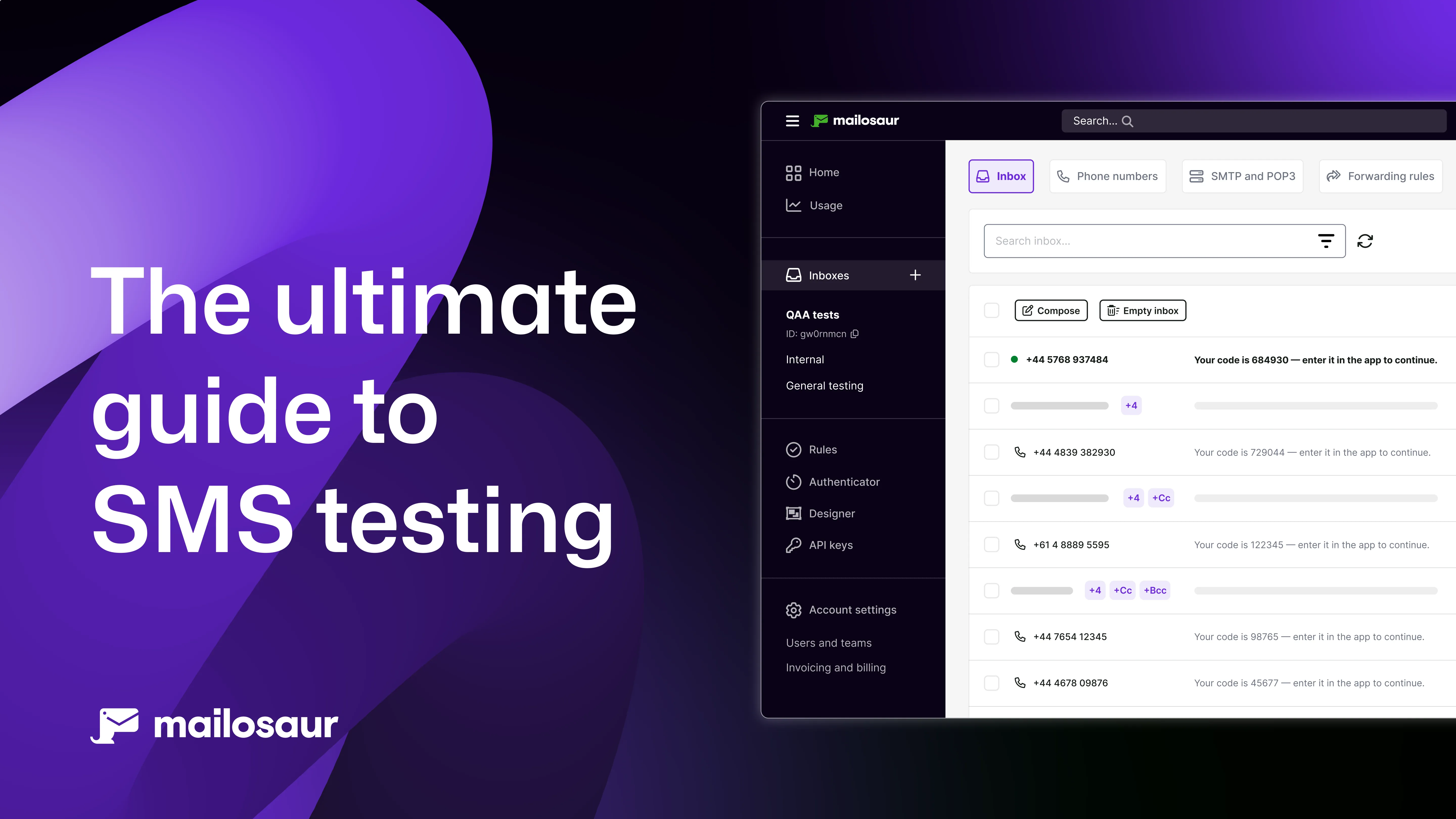
Mailosaur provides a simple API and dashboard for capturing and testing SMS messages in test environments, with no physical SIM cards or devices required.
You can use Mailosaur with Playwright, Cypress, Selenium, Cucumber, or any framework of your choice, and you can head to our docs pages for a whole host of guides around how to get started integrating Mailosaur into your workflows.
When to use manual vs automated SMS testing
| Scenario | Manual | Automated |
|---|---|---|
| Quick feature check | ✅ | |
| Visual layout testing | ✅ | |
| CI/CD pipeline testing | ✅ | |
| Regression coverage | ✅ | |
| Dynamic data/ OTP validation | ✅ | |
| One-off customer bug reports | ✅ | ✅ |
| Device/ network delivery issues | ✅ |
You can see why, for most teams, a hybrid approach works best; using manual testing for exploration and UX validation, then automating predictable and repetitive flows.
Best practices for SMS testing
Whether you’re working manually or at scale, these principles will help you build a reliable strategy:
- Use dedicated test numbers rather than managing a collection of phones, (you can request a test number during your 14-day free trial)
- Isolate test infrastructure and tooling from production
- Rotate or reset test states to avoid clashes
- Log every message and test result for debugging
- Monitor test results continuously, especially for MFA and security flows
- Test edge cases, e.g, incorrect phone numbers, delays, failures
Conclusion: SMS deserves a place in your QA plan
SMS may not be your first thought when it comes to testing, but it carries real weight. From login flows to critical alerts, you can’t afford to assume SMS just “works”. A well-structured testing strategy, using both manual insight and automated coverage, is the best way to catch problems before your users do.
If you’d like to learn more about Mailosaur, you can request a free demo or get hands on and sign up for your 14-day free trial.